
Import and Create Tasks
CodeRide offers three powerful ways to add tasks to your project, with automatic task generation available for documentation and CSV imports.
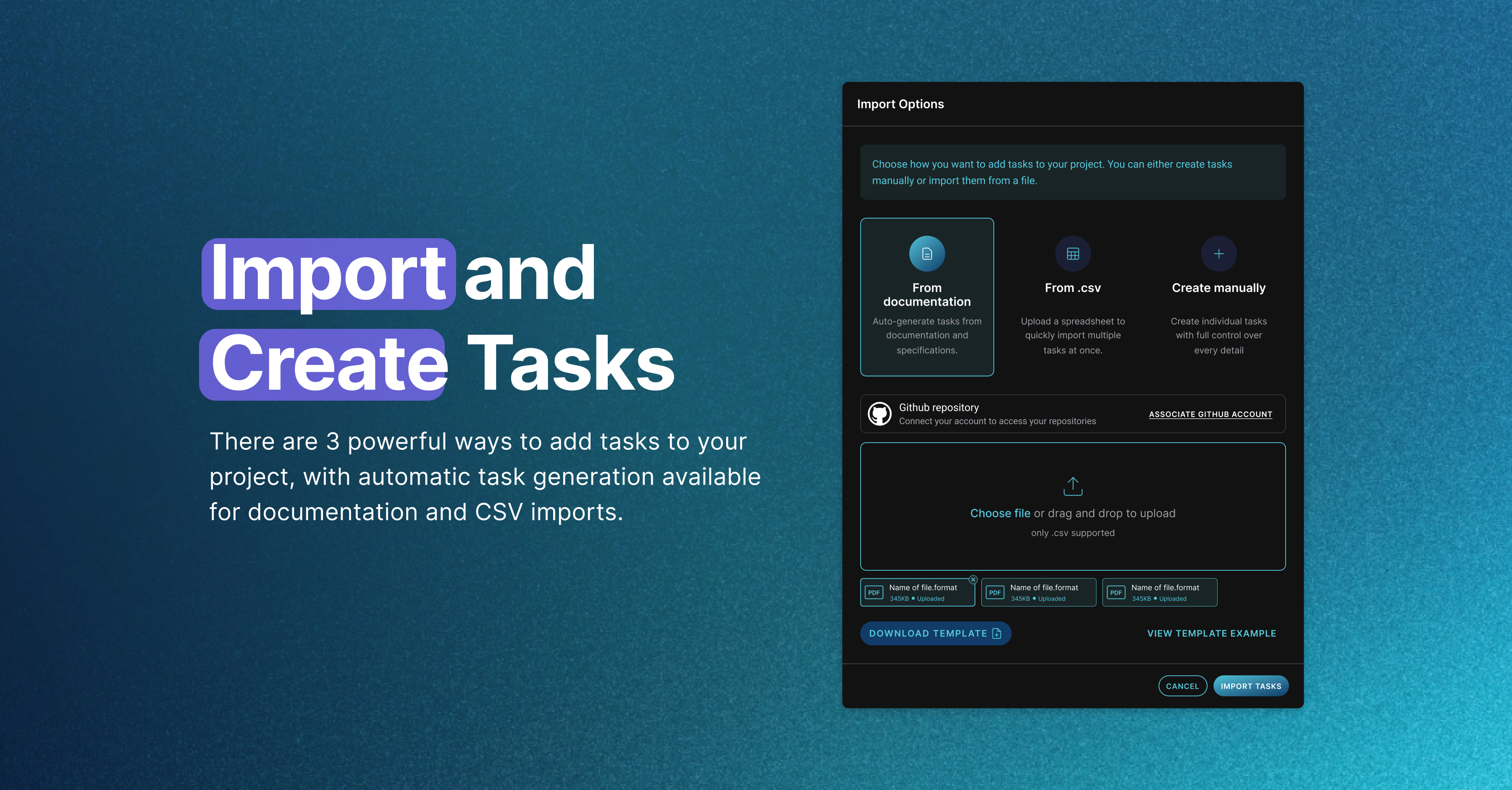
1. Import Documentation
Auto-generate tasks from your project documentation or specifications in Markdown format.
Click on the "Create task" button on your dashboard
Select "Import Documentation" in the import box that will appear
(Optional) Download Template - Get our markdown template for inspiration on how to structure your documentation
Upload your project documentation (.md file)
CodeRide analyzes your documentation and automatically:
Identifies task sections and categories
Extracts task details including titles, descriptions, and priorities
Creates a structured task list from your specs
Review and adjust the generated tasks in the kamban or jump straight into Optimization
You can take a look at the structure of our .md template here below:
# Project Name## Project Overview Brief description of the project goals and objectives ## Task Categories### Infrastructure Setup #### TASK-1: Setup environment configuration- **Description**: Setup new environment variables for API communication- **Priority**: High - **Due Date** : 2025-05-01 -**Application** : This task establishes the foundation for... #### TASK-2: Create database schema- **Description**: Design and implement the database structure- **Priority**: High- **Due Date** : 2025-05-03 -**Dependencies** : TASK-1 -**Application** : Creates the necessary tables and relationships... ### Feature Implementation#### TASK-3: User authentication- **Description**: Implement login and registration functionality- **Priority**: Medium - **Due Date** : 2025-05-10 -**Dependencies** : TASK-1, TASK-2 -**Application**: Allows users to securely access the system...
2. Import from CSV
Upload a spreadsheet to quickly import multiple tasks at once.
Click "Import from .csv"
(Optional) Download Template - Get our .csv template with the correct column structure
Upload your filled .csv file
Review and adjust the generated tasks in the kamban or jump straight into Optimization
CSV Template columns:
assignee_email - Email of the person assigned to the task
title - Task title (required)
description - Detailed task description
position - Order/priority position in your task list
Example CSV format:
assignee_email,title,description,position [email protected],Setup Authentication,Implement userlogin and registration withJWT, 1[email protected], CreateAPI Endpoints,Build RESTful API foruser management, 2[email protected], AddInput Validation, Validateall user inputs onbackend, 3
3. Create Task Manually
For precise control over individual tasks.
Click "Create task manually"
Fill in comprehensive task details
Set task properties and dependencies
Save and add to your project board
🎯 Pro tip: Use documentation or .csv import for comprehensive project setup with detailed task breakdowns or manual creation for one-off additions. Remember, AI optimization happens in the next step!
4. Optimize Tasks
Task optimization is where CodeRide transforms your standard tasks into AI-ready formats. This process is completely automated and ensures each task has the perfect context and instructions for your AI agent.
a. Right after import
After importing tasks, you'll see an "Optimize Tasks" button
Click it to optimize all imported tasks at once
b. From your dashboard
Navigate to your project dashboard
Click the "Optimize Tasks" button
Select which tasks to optimize (or choose "Select All")
Was this helpful?